🎨
Pixel-perfect design
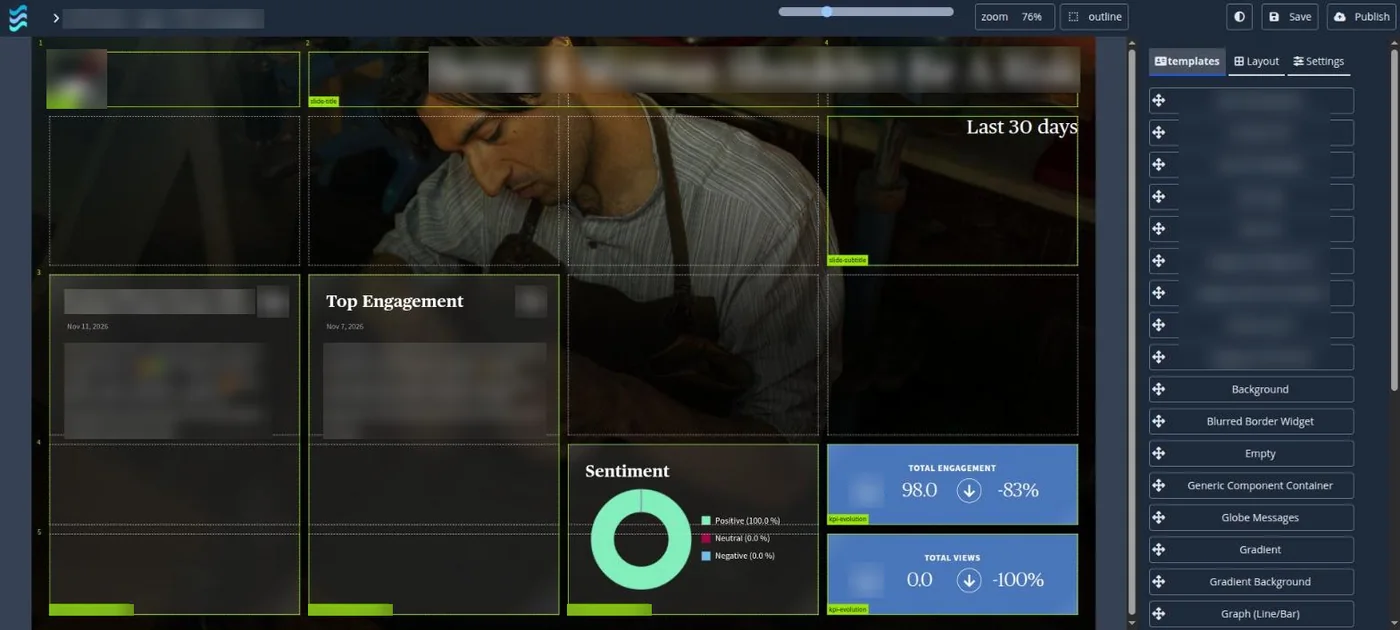
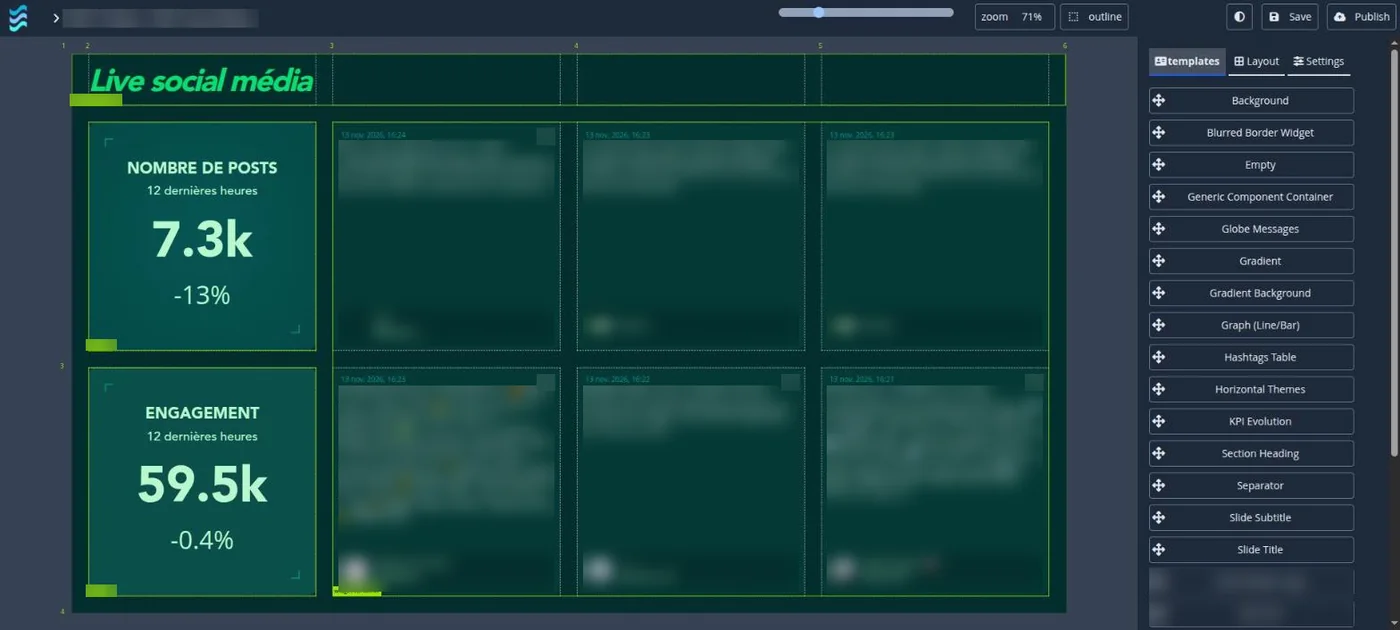
Drag-and-drop builder, a shared component library and Tailwind styling. Match your brand exactly, down to every card.
BuzzCasting turns social posts, listening data and business KPIs into pixel-perfect live walls. Synchronised across screens, moderated from your phone, scheduled to the minute.
Plugs into the data you already have
Listening suites are great at collecting. BuzzCasting is built to show: custom, animated, synchronised and safe for public screens.
Drag-and-drop builder, a shared component library and Tailwind styling. Match your brand exactly, down to every card.
Timed websocket messages tell every active screen which presentation and slide to show, so a whole wall changes theme together.
Real time, delayed, approved only, or gated release of previous days. Moderate from your phone, live at the event.
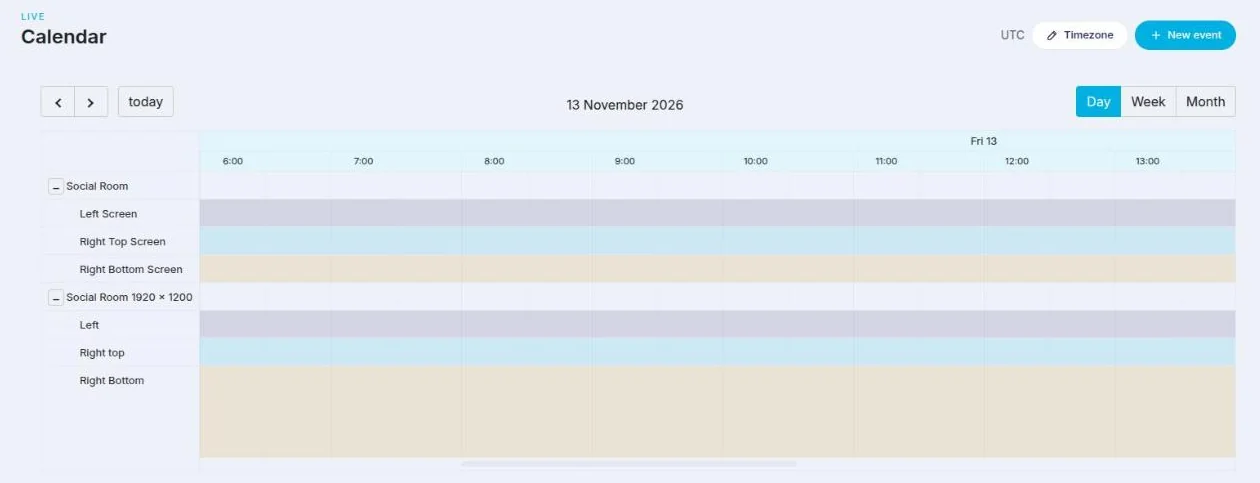
Decide which presentation runs on which screen and when. A TV wall can follow the show on air and show the reactions to it.
Show a graph for 20 seconds, then posts for the next 20. Pick from 15 transitions, with your own interval and speed.
Each component sets its own live period, from 5 minutes to 6 months, so one slide can mix the last hour and the last 30 days.
Social, listening, CRM, sales, customer issues. The same wall can become your executive dashboard.
Generated summaries and sentiment readouts that rotate on screen next to your charts and posts.
With a mouse, hover a card or the slide edge to reveal arrows and move on without waiting for the rotation.
Switch on face blurring, deepfake detection, NSFW filtering for text and images, and anonymisation of personal data, widget by widget. All are off by default.
Choose which words a word cloud is allowed to show. Insults, names of people and off-topic terms never reach the screen.
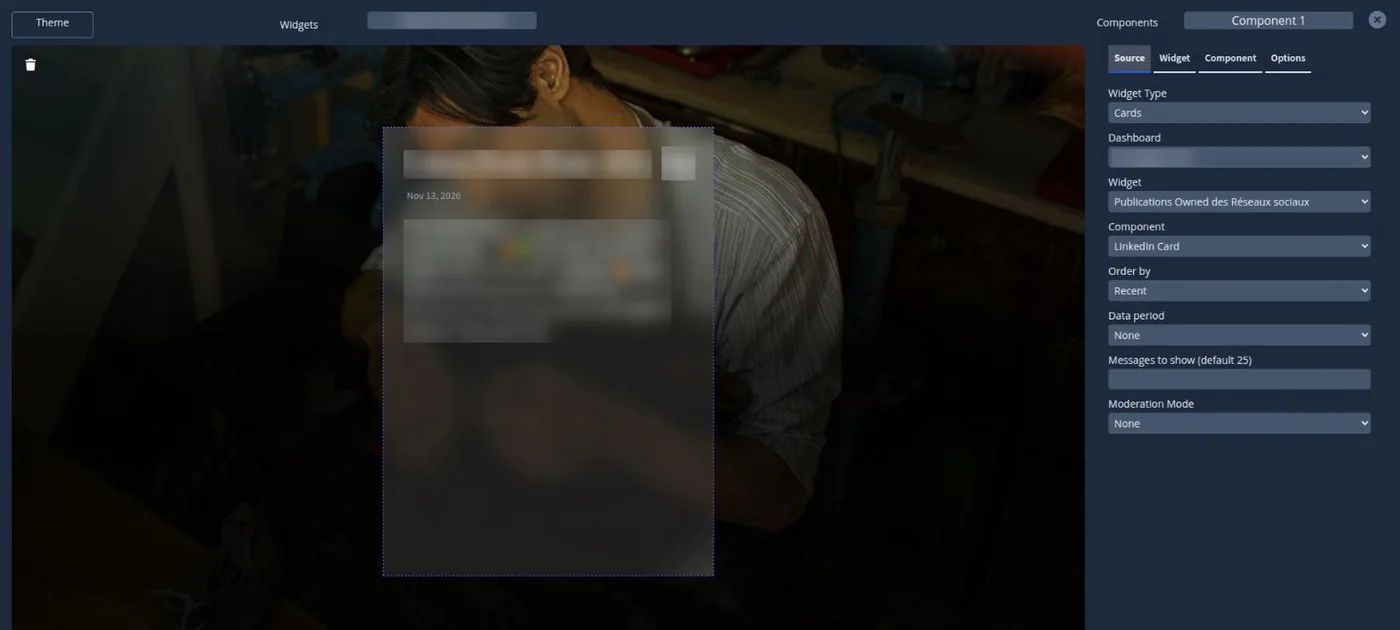
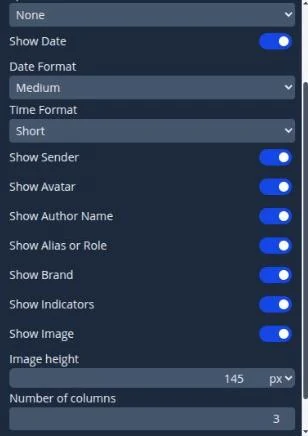
Switch zones on or off on every card, set the image height and show a grid of cards that transition together.
Build one slide per physical screen and let BuzzCasting keep them in step. In a 6 × 2 wall, every screen switches theme at the same moment.
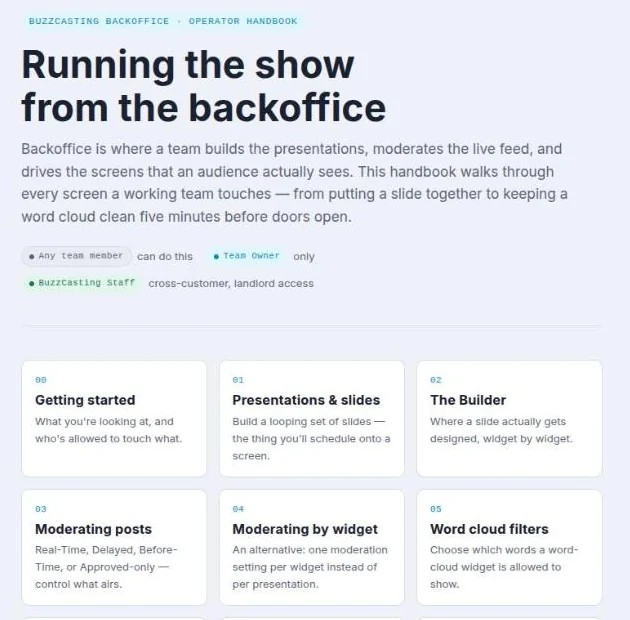
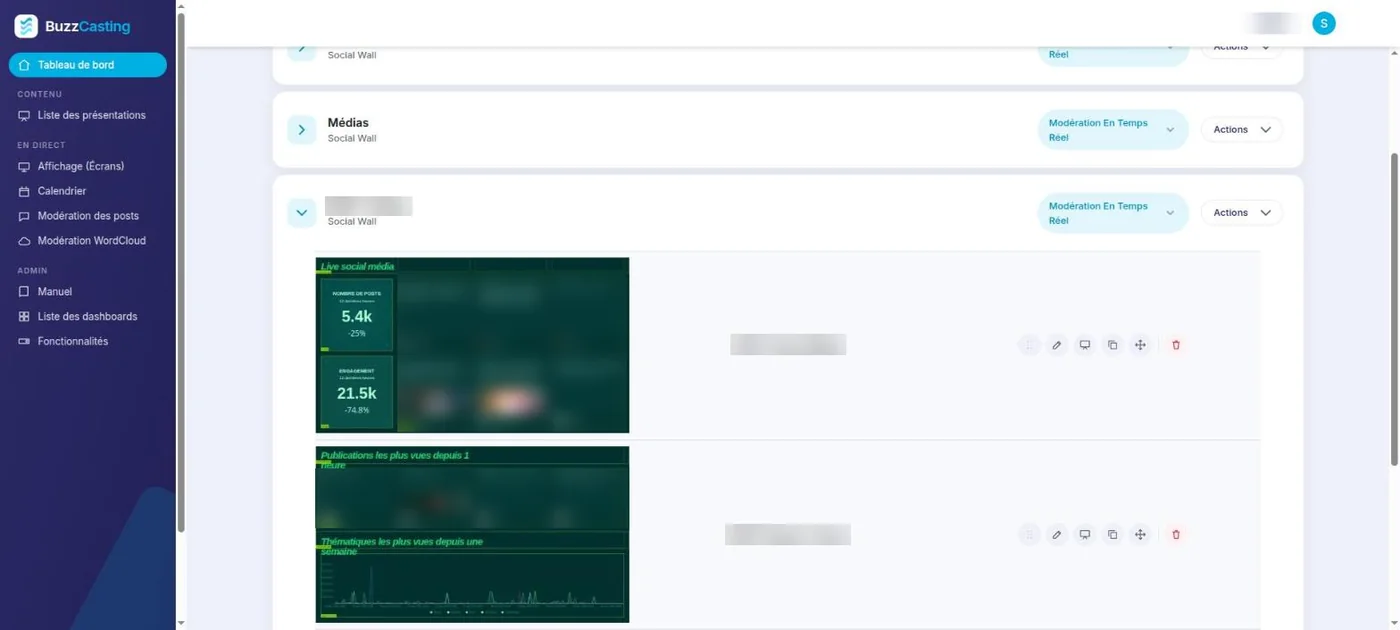
Build presentations, moderate the feed and drive every screen from a single backoffice, with a handbook your team can follow.
From a festival main stage to a government media office.
Trade shows, concerts, conferences and lobbies. Moderated, brand-safe and live in minutes.
Schedule a wall per programme and show the online reactions to the show currently on air.
Monitor conversations, sentiment and top posts on a wall your whole team can read from across the room.
Deliver client-branded walls. Extend a per-customer component library with your own team.
Bring CRM, sales and customer-issue data on to the same screens as your social insight.
Fonts sized for the back of the room, moderation down to the word cloud, and widgets that rotate on every screen. It runs unattended for as long as the crisis lasts.
People glance at it in passing, often without sound, from a few metres, for a few seconds. So we design the story before we configure the tool.
Who walks past, what effect you want, the story screen by screen, and a check that the data really exists.
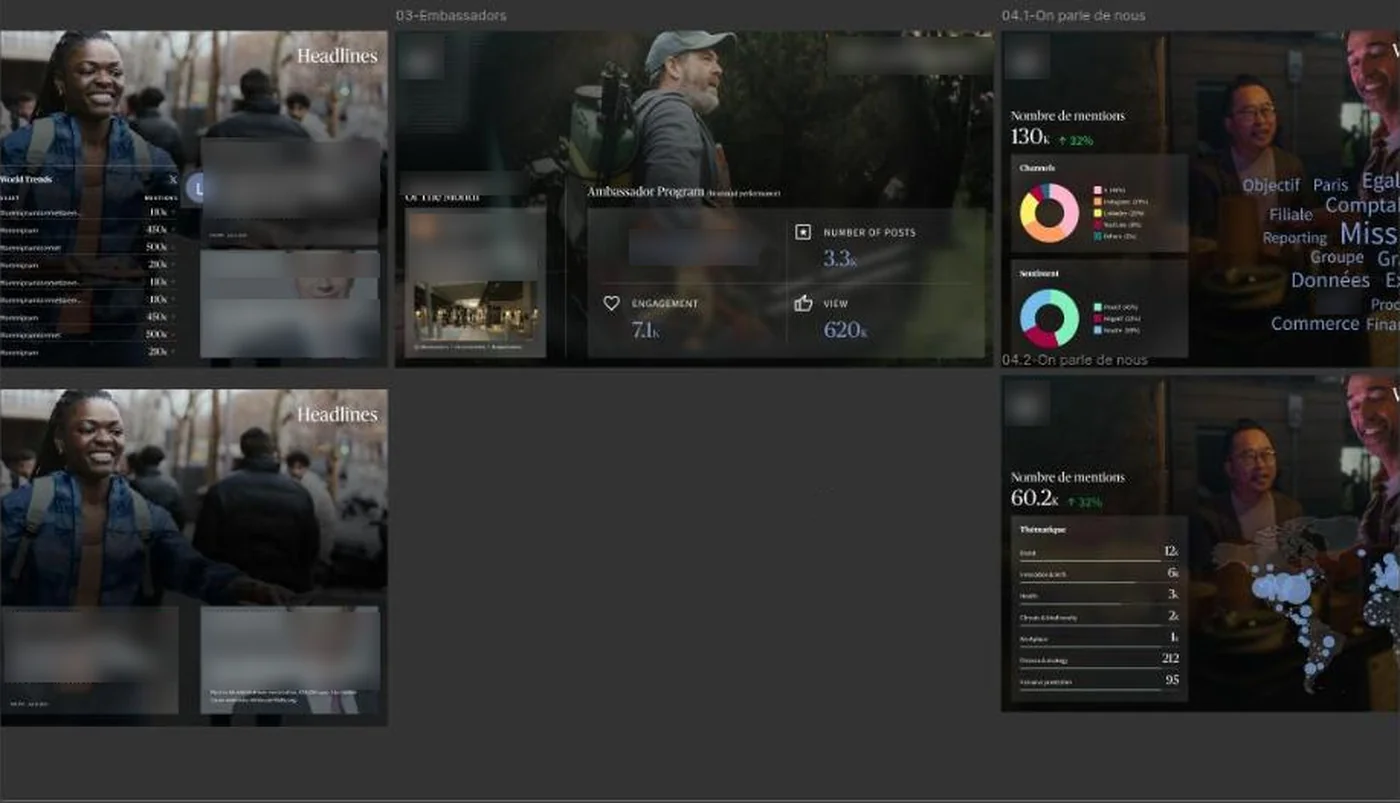
Pace, transitions and motion for every slide and widget, captured in an animated storyboard.
Brand guidelines and screen constraints handed to a UX designer or an AI, with the same complete brief.
Mock-ups challenged slide by slide, at real size and distance, against an explicit checklist.
A fixed number of rounds, moderation rules and safety filters agreed, then a dated sign-off (the print world's bon à tirer, BAT) that becomes the specification.
Configured in BuzzCasting and tested on the real screens with live feeds, so no screen goes live empty.
After launch we review the story every 2 to 4 months, watch that the data keeps flowing and check the wall still serves its goal.
Point BuzzCasting at Talkwalker, Sprinklr, Visibrain or any other source.
Drag and drop components, set periods, animations and card layout in the builder.
Choose which presentation runs on which screen, and when.
Keep control from your phone while the wall runs on its own.
BuzzCasting is a live display layer. It turns social posts, listening data and business KPIs into pixel-perfect walls and dashboards for public screens, events, TV studios, war rooms and executive offices.
No. BuzzCasting reads the data from your existing tools and adds the display layer: custom design, stacked widgets, animations, scheduling, moderation and multi-screen synchronisation.
Yes. Four moderation modes are available: real time, delayed, approved only, and gated release of previous days. Moderation also works from a mobile phone, which is handy for cleaning up live at an event.
BuzzCasting sends timed messages over websockets to every active screen, telling each one which presentation and slide to show, so a 6 by 2 wall changes theme on every screen at the same moment.
Yes. A schedule chooses which presentation each screen shows and when, for example a TV wall that shows online reactions to the programme currently on air.
Yes. BuzzCasting can display any data source, such as CRM, sales or customer-issue data, so the same wall can become an executive dashboard.
Start from the audience and the objective, not the widgets. We frame a brief, design the animation, hand the brand guidelines to a designer, review mock-ups at real size and distance, get a dated sign-off (the bon à tirer), then configure and test the wall on the real screens.
Yes. Alongside the four moderation modes, safety filters can be switched on widget by widget: face blurring, deepfake detection, NSFW filtering of text and images, and anonymisation of personal data. They are off by default. For a European audience, also check GDPR before showing identifiable photos or handles.
Tell us about your event, channel or room. We answer in English or French.